

Đôi khi bạn vào trang sản phẩm , Nhất là sản phẩm có tấm hình quá dài bạn chọn nó tự nhiên tấm hình trượt từ dưới lên
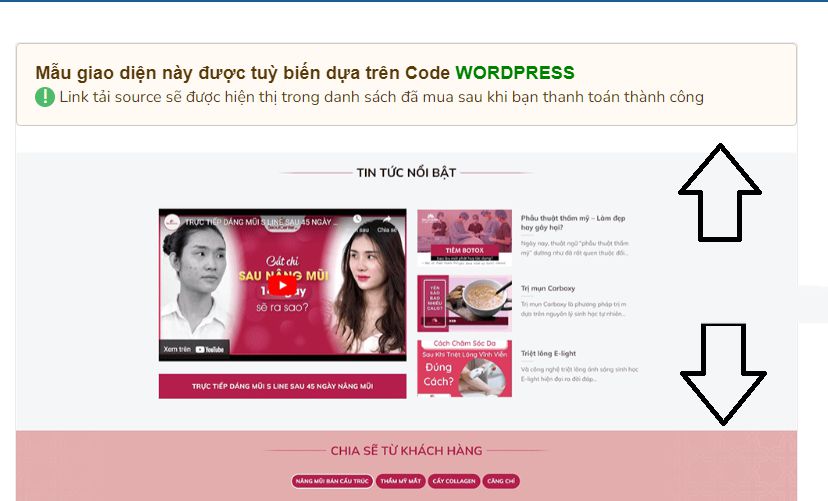
Code tạo hình sản phẩm trượt khi trỏ chuột chạm vào hình
Để làm như vậy, bạn chỉ cần thêm đoạn code CSS sau vào custom CSS:
.single-product .woocommerce-product-gallery {
margin-top: 0;
height: 1000px;
overflow: hidden;
}
.woocommerce-product-gallery {
transition: opacity 0.5s ease-in-out 0s;
border: 1px solid #ececec;
border-radius: 4px;
margin-top: 20px;
}
.single-product .woocommerce-product-gallery img {
max-width: 100%;
transition-duration: 5s;
width: 100%;
transition: ease all 5s;
transform: translateZ(0);
margin: 0 auto;
}
.single-product .woocommerce-product-gallery:hover img {
transform: translate(0,-50%);
transition-timing-function: linear;
transition-duration: 5s;
}
Chúc bạn thành công!


Bình luận bị cấm: Bình luận có chứa yếu tố SPAM và yếu tố quảng cáo.